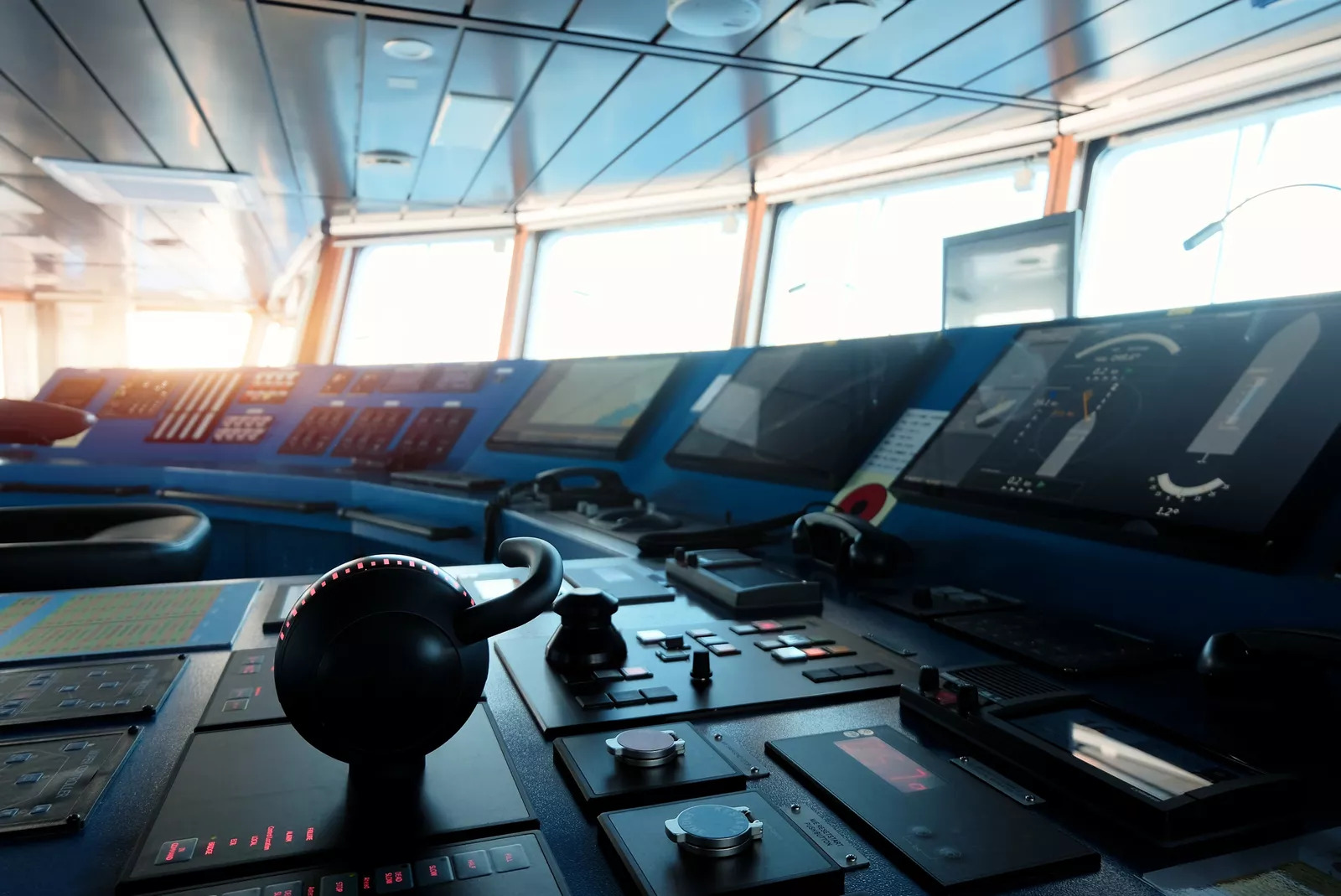
How Navigation Simulators Prepare Mariners for Real-World Conditions
Oct. 28th, 2026 12:00 pm
Dense fog, crowded shipping lanes, and sudden equipment failures can test any mariner without warning. A navigation simulator lets your trainees face those conditions safely, long before they stand watch on a real bridge. Every mistake made in the simulator becomes a lesson instead of a collision, grounding, or costly delay.
In this article, you will learn why simulation training matters and how realistic bridge conditions come together. You will also see how instructors design scenarios that build judgment, teamwork, and confidence under pressure. Every insight applies whether you run a maritime academy, a commercial training center, or a military program.
How Does a Navigation Simulator Prepare Mariners?
A navigation simulator recreates the equipment found on a ship's bridge allowing mariners to practice radar, charting, steering, and communication in realistic conditions. Instructors control weather, traffic, visibility, and equipment failures to test how trainees respond under pressure. As a result, mariners build skills, judgment, and confidence before they ever take responsibility for a real vessel.
Why Every Mariner Benefits From a Navigation Simulator
Learning on a live vessel exposes trainees, crews, and cargo to risks that a classroom can remove. A navigation simulator gives students unlimited practice with situations they might face only once in a career. According to the International Maritime Organization (IMO), international training standards define the competence every seafarer must demonstrate.
First, simulation lets instructors repeat the same scenario until each trainee responds with skill and confidence. Second, trainees can practice rare emergencies, such as steering failures or man overboard events, without real danger. Third, instructors can pause, replay, and debrief any moment, turning every decision into a teaching opportunity.
Simulation also supports certification, since many training requirements call for demonstrated skill rather than classroom knowledge alone. According to the U.S. Coast Guard's National Maritime Center, international training standards apply to certain U.S. mariners through federal regulation.
Additionally, simulators help experienced officers refresh skills, learn new equipment, and prepare for unfamiliar ports. Commercial operators use simulation to rehearse difficult approaches before sending a crew into tight channels or busy harbors. As a result, training continues throughout a mariner's career rather than ending at graduation.
Building Realistic Bridge Conditions in the Classroom
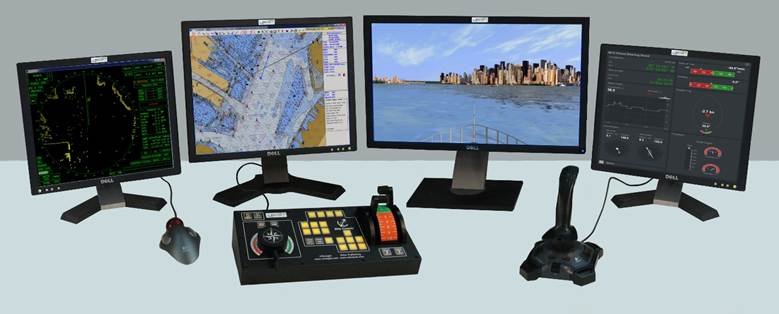
BCG desktop ship simulator
Realism determines whether simulator skills transfer to a real bridge when conditions turn difficult. A strong navigation simulator brings together the equipment, data, and controls mariners rely on during every watch. When you evaluate options, look for a setup that includes these core bridge elements.
-
Radar simulation: Realistic radar video incorporating coastlines, vessel targets, sea clutter, weather effects, and navigational aids that teach collision avoidance and radar plotting skills.
-
Electronic charting: Electronic Chart Display and Information System (ECDIS) stimulation that mirrors the charts on a modern bridge.
-
Steering and conning controls: Physical consoles that let trainees feel how a vessel answers helm and engine commands.
-
Navigation devices and communications: Virtual instruments, radios, and Global Maritime Distress and Safety System (GMDSS) panels for realistic distress procedures.
In practice, the elements must work together, since bridge teams combine radar, charts, and radio traffic in seconds. For example, a trainee might spot a target on radar, confirm the surrounding navigational area on the chart, and call by radio. Integrated systems let students practice the full sequence as they would during a real watch.
Automatic Identification System (AIS) targets add another layer, showing vessel names, courses, and speeds on screen. Similarly, adjustable weather and sea states help trainees see how wind and current change vessel handling.
Buffalo Computer Graphics (BCG) designs simulation hardware and software for maritime training facilities from its Buffalo engineering headquarters. Our virtual navigation devices and communication simulation replicate real bridge equipment on standard training workstations. Meanwhile, our steering stand consoles give trainees hands-on controls that feel like a working bridge.
Getting the Most From Your Navigation Simulator Program
Even the best equipment delivers limited value without well-designed scenarios and skilled instructors guiding each session. Build your navigation simulator curriculum around learning objectives, then match each scenario to a specific competence. According to the IMO, a comprehensive review of global seafarer training standards began in 2024.
Next, give instructors tools that let them adjust traffic, weather, and equipment faults in real time. BCG's instructor control software lets your team build scenarios, monitor students, and introduce challenges as exercises unfold.
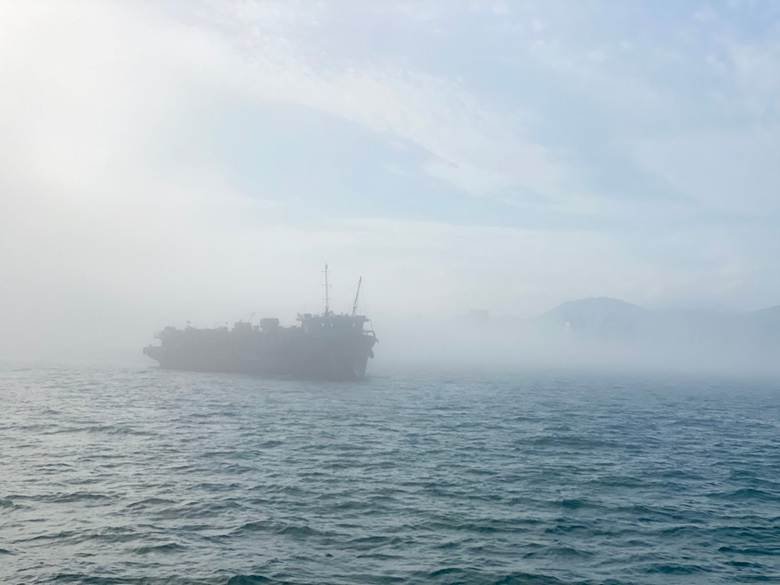
Then, start trainees with calm conditions and gradually layer in fog, heavy traffic, and system failures. Progressive difficulty builds confidence while still pushing students beyond what feels comfortable during each session. Afterward, structured debriefs help each trainee connect decisions to outcomes and plan improvements for the next run.
Picture a cadet guiding a simulated vessel through a busy harbor approach when visibility suddenly drops. Because earlier sessions covered radar plotting and environmental awareness, the cadet responds calmly and correctly. Consequently, the instructor's debrief focuses on refinement rather than correcting basic mistakes that could cause harm.
Finally, choose a partner who supports your system long after installation, from upgrades to troubleshooting. Responsive support keeps your simulator running, your schedule on track, and your trainees learning without interruption.
Equip Your Training Facility With a Trusted Simulation Partner
A well-designed navigation simulator turns classroom lessons into real bridge skills that protect crews, cargo, and coastlines. Still, realism depends on accurate equipment, flexible scenarios, and instructors who can adapt every session. The right partner helps your program deliver all three for years to come.
Since 1982, BCG has engineered maritime simulation solutions in-house for training facilities around the world. You gain responsive engineers, transparent terms with no hidden costs, and solutions built around your curriculum. Contact our maritime simulation team to explore a training setup tailored to your facility.

